
Working Remotely From a Long-Term RV Site
June 28, 2026 · By Magnolia RV Park
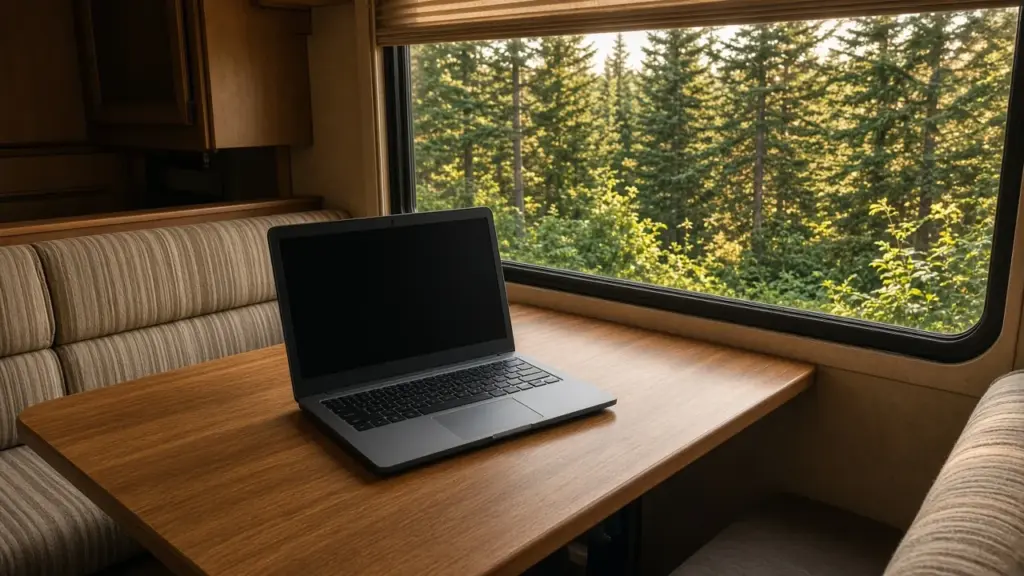
Remote work has made RV living possible for many people who once thought they needed an office or a house. A long-term RV site can be a great home base for remote work: you have a stable location, a consistent routine, and a quiet place to focus. Making it work well takes some planning, especially around connectivity, workspace, power, and daily habits.
This guide covers practical tips for working remotely from a long-term RV site. For the bigger picture of staying in one place for months, start with our pillar, Monthly RV Living: The Complete Guide.
Why a Long-Term Site Works Well for Remote Work
Moving frequently can disrupt work. Every move means new setup, uncertain connectivity, and time away from your job. A long-term site gives you stability. Once you have your workspace and internet dialed in, you can focus on your work instead of logistics.
A small, quiet park is especially appealing. At Magnolia’s Finest, the park is gated, long-term only, and has quiet hours from 8 pm to 8 am. That environment supports focused work and calls.
Connectivity First
Reliable internet is the most important requirement for most remote workers.
Ask About the Site
Internet service is confirmed per site at our park, so ask about the specific site before you commit. Call or text (281) 205-1959.
Test Cell Coverage
Many remote workers rely on cellular hotspots. Check coverage from multiple carriers at the site if possible. Signal can vary with location, terrain, and even which side of the RV you are on.
Consider Backup Options
Having a backup connection is wise for remote work. Some workers carry hotspots from two different carriers. Others use a combination of cellular and another service. A backup keeps you working if one connection has problems.
Improve Signal
Cell signal boosters and external antennas can help in some locations. Position your router or hotspot near a window for better signal.
Create a Real Workspace
Working from the couch or bed may be fine for a day, but it is not sustainable for months. A dedicated workspace supports productivity and comfort.
- Choose a spot with good light and minimal distractions. Many people use the dinette, but some RVs have desk areas or convertible spaces.
- Invest in a comfortable chair. Your back will thank you.
- Set up your screen at eye level with a laptop stand or external monitor.
- Use an external keyboard and mouse for better ergonomics.
- Keep your workspace organized with cable management and minimal clutter.
If possible, set up your workspace so you can put it away at the end of the day. Separating work and home life is harder in a small space, so a clear end-of-day routine helps.
Manage Power
Laptops, monitors, routers, and hotspots use relatively little power, but running them alongside the air conditioner and other appliances adds up. Electric service is confirmed per site at our park. Use a surge protector to protect your equipment from power fluctuations, and consider a small battery backup for your router and laptop so brief outages do not drop your connection.
Never run cords from other sites, which is not allowed at our park.
Control Noise for Calls
Video calls and phone meetings require a reasonably quiet environment.
- Use a headset with a good microphone
- Close windows and doors during calls
- Run the AC or a fan for white noise, if it does not interfere with your audio
- Schedule calls when neighbors are less likely to be active outside, if possible
- Let people in your household know your call schedule
Remember that sound travels in both directions. Keep your own call volume reasonable, especially early in the morning or late in the day.
Build a Routine
Structure helps remote workers stay productive:
- Start and end work at consistent times
- Take regular breaks to stretch and move
- Step outside for fresh air during lunch
- Separate work time from personal time
Our post on staying healthy in RV life offers ideas for staying active and avoiding the downsides of sitting all day.
Handle Deliveries and Mail
Remote workers often receive equipment, documents, and supplies by mail. Confirm package and delivery arrangements with management. Our post on receiving packages and deliveries covers the details.
Fit Chores Around Work
One benefit of remote work is flexibility. You can run a load of laundry during a break or prep dinner at lunch. Our post on laundry routines for RV residents explains how to fit laundry into your week.
Be a Considerate Neighbor
Working from home means you are at your site during the day more than many neighbors. Keep your workspace inside your RV, respect neighboring sites, and keep noise reasonable. Our post on respecting empty lots and neighboring sites covers boundaries in a small park.
Staying Motivated and Connected
Working alone in a small space can feel isolating. Stay connected with coworkers through video calls and chat, and make time for social activities outside of work. Getting out to explore the area, such as W.G. Jones State Forest, Lake Conroe, or local towns, helps you recharge. Some remote workers find that a change of scenery for part of the day, such as a library or coffee shop, boosts focus.
Planning for Weather and Outages
Storms can knock out power or cell service. Keep your devices charged, have a battery backup, and know where you could work temporarily if needed. Setting up weather alerts helps you plan ahead during storm season.
Keeping Your Workspace Comfortable
Temperature affects productivity. In Southeast Texas summers, an RV can heat up quickly during the day, especially when the sun hits one side. Close shades on the sunny side, keep AC filters clean, and position your workspace away from direct sunlight. A covered site helps a great deal; at our park, 8 of 10 sites are covered. In winter, a warm layer and a comfortable workspace near a heat register make long work sessions easier.
Humidity matters too. Running your AC or a dehumidifier keeps the air comfortable and protects electronics from moisture. Keep drinks away from laptops and cables, since a small space makes spills more likely.
Protecting Your Equipment
Your work equipment is essential, so protect it. Use a surge protector, keep devices off the floor where they could be stepped on, and secure monitors and laptops if you ever move the RV. Back up files regularly to cloud storage so your work is safe if a device fails. When you leave your RV, lock up and keep equipment out of sight from windows.
Taxes and Paperwork
Remote workers living in RVs should keep good records of their residency and work location, since these can affect taxes. Talk with a tax professional if you are unsure how your situation is treated.
Frequently Asked Questions
Is internet available at Magnolia’s Finest?
Internet is confirmed per site. Call or text (281) 205-1959 to ask about a specific site.
What is the best internet option for remote work in an RV?
Many remote workers use cellular hotspots, often with a backup from a second carrier. Test coverage at your site.
How can I make my RV workspace more comfortable?
Use a good chair, set your screen at eye level, use an external keyboard and mouse, and keep the area organized.
How do I handle noise during video calls?
Use a headset, close windows and doors, and let your household know your call schedule.
Work From Magnolia
Magnolia’s Finest RV Park is a small, gated long-term community with quiet hours and covered sites on cement pads. View sites and rates, learn about long-term RV living in Magnolia, or check availability.
Check Availability or call or text (281) 205-1959
Magnolia’s Finest RV Park · 32020 Old Hempstead Rd, Magnolia, TX 77355 · Contact us